# Register an Ultiverse account
1. Visit [https://account.ultiverse.io/](https://account.ultiverse.io/)
2. Click the Sign up button, fill in the necessary information and complete the registration.
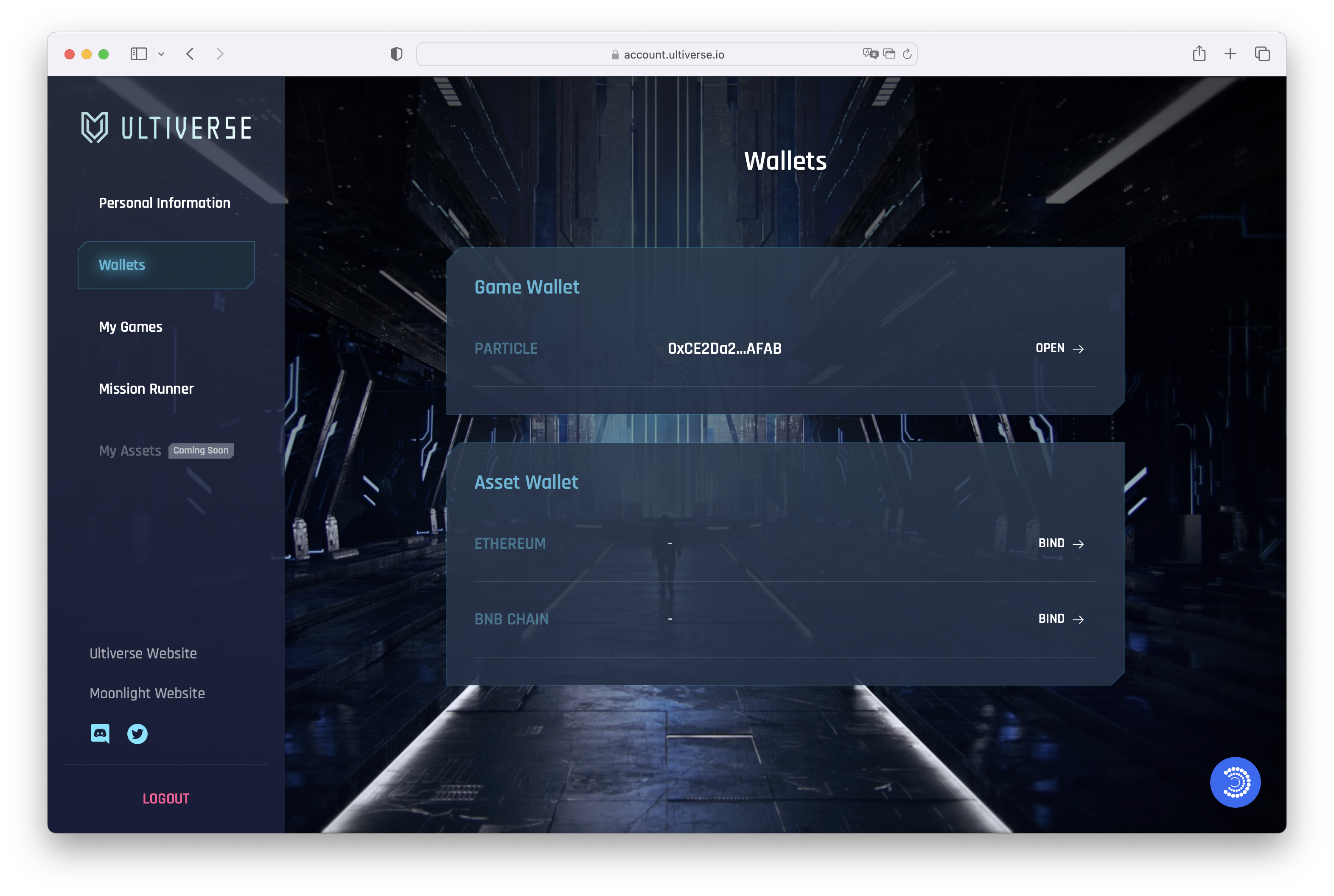
3. After logging in, the system will automatically generate a game wallet for you. You can see your wallet information on your Wallets page. If your game wallet is not showing, click the Binding button to try binding again.
4. If you are a holder of ElectricSheep and Moonlight, you can click Bind Asset Wallet to allow other systems to verify your holding identity system.
* ElectricSheep holders must bind Etherum.
* Moonlight holders must bind BNB Chain